
Animation pipeline8 min read23 min video
The part of game dev nobody puts in the trailer.
The Game Animation Pipeline: How I Build One, AAA or Indie
Key takeaways
- A bad pipeline means blocked animations, missed assets, things breaking in engine and crunch. A good one is almost boring: you don't see it, but you feel it.
- With a brand new pipeline, 20 people might take around three months on a cinematic or teaser. A veteran studio with a tested pipeline can do it in about a month.
- Film pipelines are linear. Game pipelines are circular, because after the first pass every asset lives and breathes through the engine.
- Build the animation team first: senior animators, then tech animation, then mid-level hires. Then choose the software, build tools around it and set up Perforce.
- Put the team first, trust your lead and document everything. When people leave without documentation, you get a hole nobody can fill.
Studios keep showing off big games: Wolverine, a new God of War, a new Gears of War. Everybody talks about the gameplay and the cinematics. Nobody talks about the thing that makes it all work, which is the game animation pipeline.
A bad pipeline means blocked animations, missed assets, things breaking in engine all the time, and crunch.
A good pipeline is almost boring. You don't see it, but you can feel it.
Harvey Newman
I’ve spent many years building pipelines. I did it at DICE on Star Wars Battlefront and Battlefield, at Funcom on Dune: Awakening, and I’m doing it right now for our animation studio, Rekindled. This is what an animation pipeline is, how work flows through a game studio, and how I build one.
What is a game animation pipeline?
A pipeline is how work is organised and how it flows. It can be studio-wide, or it can be specific to one department. Mine is normally animation, so the animation pipeline is the one studios ask me about.
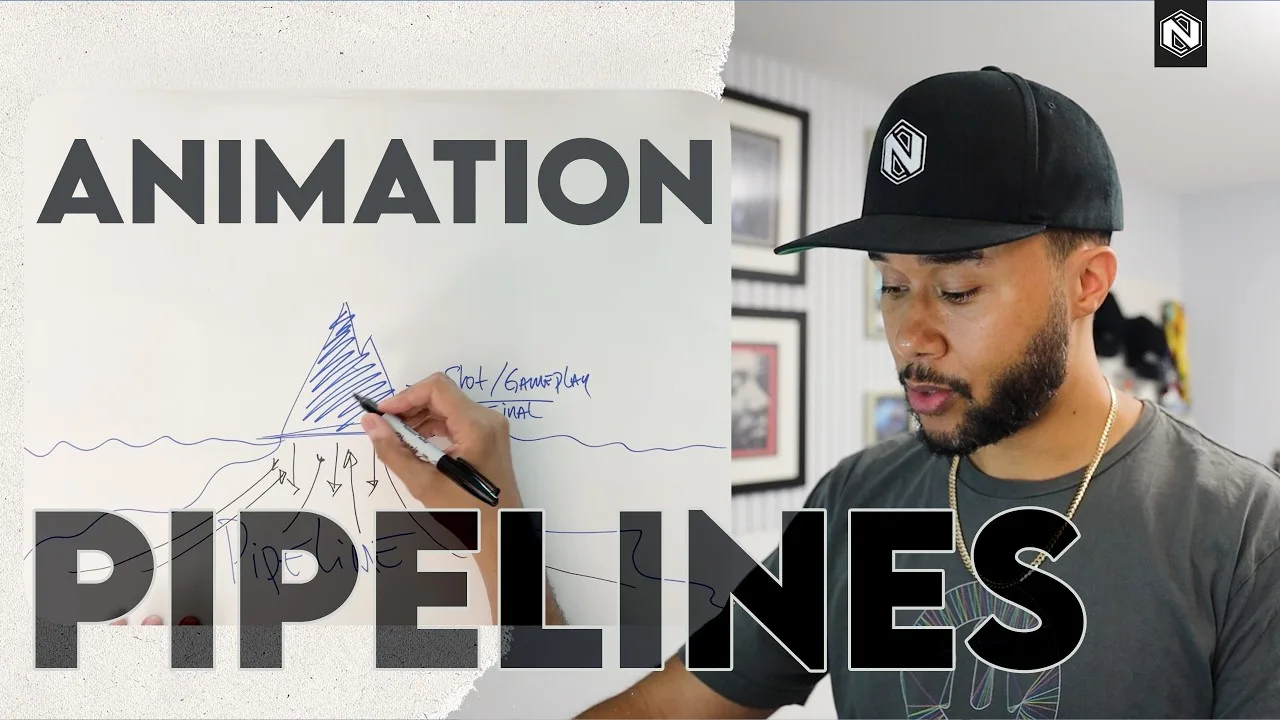
I think of it as an iceberg. The tip is the final shot or the gameplay, the bit everybody loves because it’s finished. Under the water is everything that got it there: months and years of work flowing from department to department.

AAA vs indie: why a tested pipeline is faster
The difference between a new or indie studio and a veteran one is that the veteran studio already has a pipeline. It tweaks it from game to game. Some things work, some don’t, some are experiments, but the aim is always to make the next thing easier to build.
Here’s what that means in practice. Say you have 20 people and a brand new pipeline. Building something like a cinematic or a teaser trailer will most likely take around three months. A studio with a pipeline that has been tested plenty of times can probably do the same work, with the same 20 people, in about a month.

No two studios work with exactly the same pipeline, though. It depends on the studio’s DNA, how many people it has, the type of game and the engine. There are too many variables in that equation for one answer.
This is why there’s no book on how to build your own pipeline. Everything is different.
How does work flow through a game pipeline?
In general terms, a game pipeline normally runs like this:
- Concept art, where the ideation starts.
- Art, where those ideas get built: models, weapons and the other 3D assets.
- Rigging, where characters, usually modelled in a T-pose or A-pose, get the skeleton we animate with.
- Animation, working back and forth with rigging until the rig is as good as it can be.
- VFX and audio, which work in tandem because both need the finished animation to add their work to.
- Engine, whether that’s Unreal, Unity or whatever else the team uses.
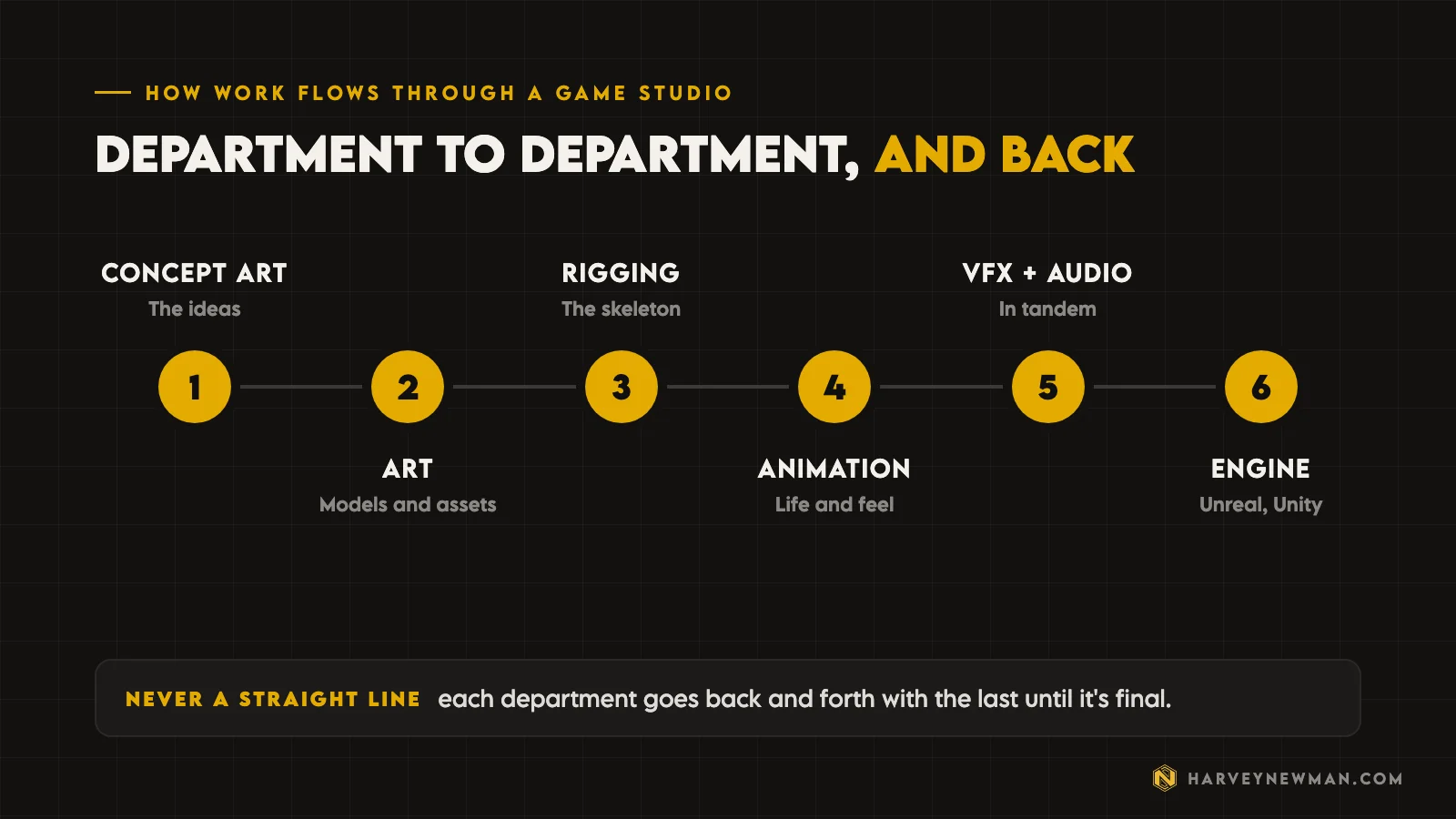
It’s never a straight line. Art gets the concept, has questions, goes back to concept, gets a revision, and so on until it’s final. If VFX or audio need changes, they come back to animation. On a fresh pipeline nothing is perfect on the first pass, because it’s the first time everyone is working together towards the end result.
Every department also has its own pipeline inside this one. Concept art, art, rigging, animation, VFX and audio each have a sub-level you have to work through.
Film vs games: linear and circular pipelines
In film, things are linear. You go back and forth, you render a shot, and then it’s done. Then you do the next one.
Games don’t work like that. After the first iteration of any asset, everything lives and breathes through the engine. When I hand an animation to VFX, I do it by putting it in the engine. If an animation that was considered done isn’t feeling good in game, it goes back to animation and then into the engine again. Code, or engineering, is in there the whole time too, because that’s where engineers spend most of their day.
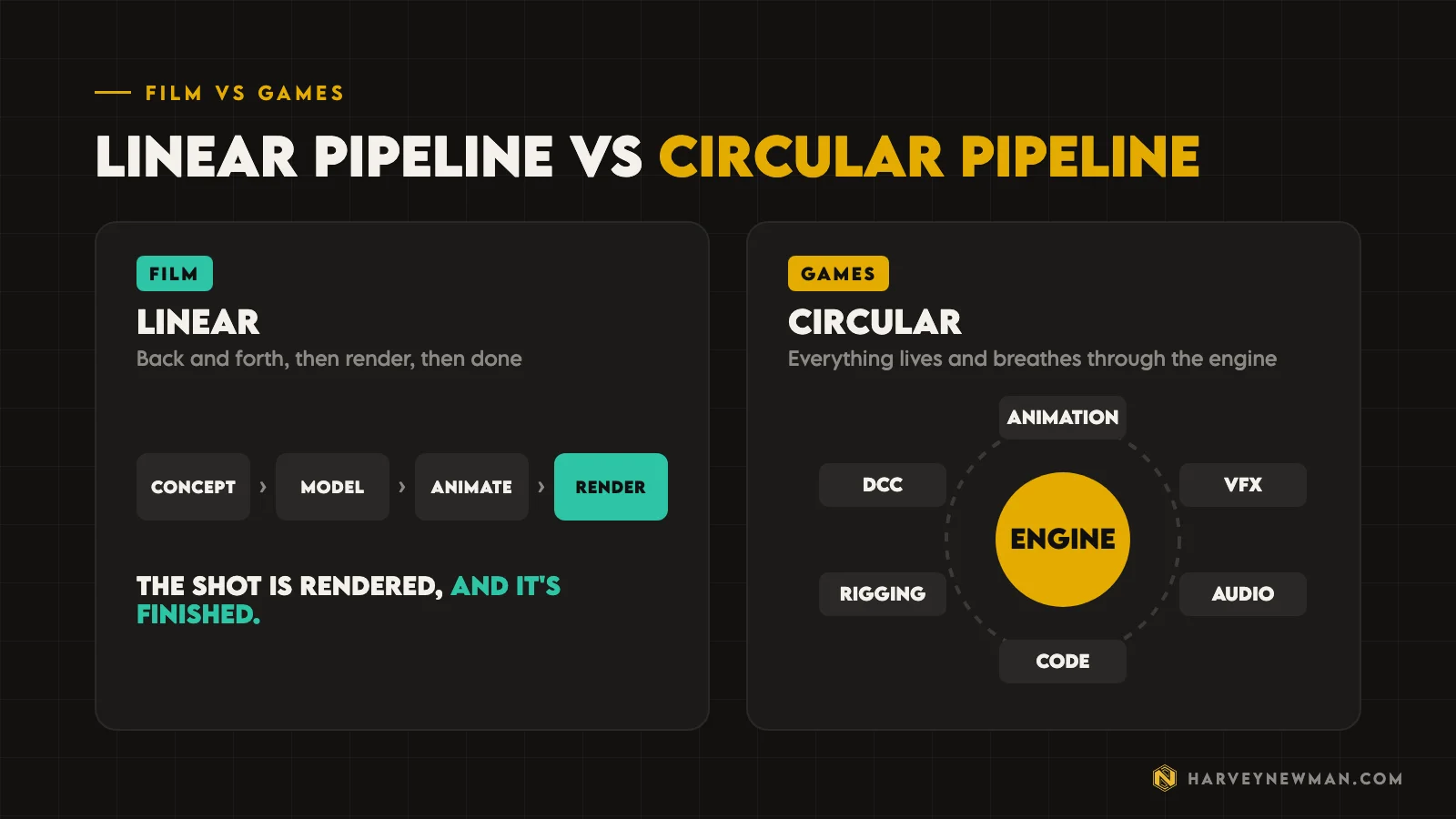
That’s what I call a circular pipeline. The software around the engine, like Maya, is called a DCC (digital content creation tool).
How do you build an animation pipeline for a game?
This is the part I do as a director, right at the start, while we’re working out what kind of game we’re making. I’m thinking about the animators I need to hire and about how work flows from creating an asset, to the engine, to how it feels, and back again.
Start with design. Design affects everything in a game. Ideally, the animation director is there in pre-production to talk with design. Say design wants a koala. Maybe they’re picturing it sitting in trees, which might be a bit boring. No game has a koala yet, so they want ideas for how it can feel good and have personality. We deal in personality, feel and the 3Cs, so this is where animation helps.
Hire senior animators first. You want speed, quality and ideas. Only someone who has done it for years can whip up a koala and make it look good straight away. A senior animator is also used to the loop of making an animation, throwing it in the bin and trying again.
Juniors normally have more resistance to that loop, because they’re very precious about their animations.
One or two seniors is normally enough for the first few months, because you’re prototyping and you don’t know yet how to animate that koala.
Bring in tech animation. It’s almost two departments. One side is tools and rigging. The other is the engine side: implementation, Blueprints, Sequencer and cinematics in Unreal.
Grow the team as the project grows. As months pass, you add mid-level animators. The same goes for tech animation: you want senior tech animators, who may hire mid-level tech animators. On a team of 30 plus, I’ve had a lead tech animator once or twice.

Choosing software, tools and Perforce
Once the team is assembled, you focus on the tools and on how people are going to work.
- Pick the DCC. Maya, MotionBuilder, 3ds Max (people use it less now) or Blender, which more people are starting to use. I compared the two big ones in Blender vs Maya.
- Or animate in Unreal. More teams are animating directly in the engine, so you may not need a DCC at all. Unreal isn’t a DCC itself. I cover where that’s heading in Unreal Engine 5.8 for animation.
- Use MotionBuilder for mocap. If you’re doing motion capture, it’s what most people use.
- Build the tools around it. In Maya, that’s normally a shelf where the tools live, and the rig might need things on that shelf too.
- Decide where assets live. People forget this one a lot. Most of the industry uses Perforce, also called P4. Animators push their animations to it, tech animators push the rigs, and Perforce pushes and pulls assets to and from the engine.
The awkward part is that you do all of this in tandem. You hire people to make the thing, and while they’re making it, you’re deciding on the software and building the tools they’ll use. That’s a big part of why game pipelines are so complicated.
So the animation pipeline runs animation, tech animation, software, engine. You go round that many times, then back out to the bigger studio pipeline where you’re talking to every other department.
Why animation pipelines break
A good pipeline is when all of this works in tandem. Often, though, things don’t connect.
- If animators don’t have a folder structure or naming convention, files go everywhere with all kinds of names and nobody understands anything.
- If the tools aren’t working well, animators get frustrated.
- If the rig isn’t working well, animators get frustrated.
- Tech animation needs autonomy, but when it hits the engine there’s a code layer, and sometimes that isn’t organised.
If there’s no communication between departments, it doesn’t matter how well one department is set up. I’ve seen it many times. Games are collaborative to the core, so if the other departments aren’t set up equally well, you hit a barrier.
I learnt that the hard way. Early on, as long as my department was organised, I didn’t care what happened elsewhere, because I could only control so much. But if the other departments don’t work, the game doesn’t get done.
You build it, test it, break it, find what breaks, fix it and go again until the game ships. Then you do a postmortem, be objective about what worked and what didn’t, change those things and go again on the next game. That’s why the teams that have done it longest have the best pipelines.
Even the most experienced studios struggle, because of the human element. People leave. A new director comes in, wants to change everything, nothing works any more, and now it’s another year or two of rebuilding.
Three tips for a healthy game animation pipeline
There’s no rule book, but these three matter more than any software choice.
- Team firstOne department or the whole studio, people talking and getting along is what separates good pipelines from bad ones.
- Trust your leadThey see the whole game. If they're a bad lead, learn from their mistakes. I learnt the most from the bad ones.
- Document everythingNaming, folders, rigs and implementation change constantly. Write it down so it doesn't leave with the person.
I used to hate documentation as a young developer. Now I think it’s everything. If someone leaves and none of it is written down, that knowledge goes with them and you’re left with a kind of tech debt: a hole nobody else can fill. With documentation, whoever replaces them can read it, understand how things work and change it if they need to.
The pipeline is the thing that makes it work, the thing that protects the artist.
Harvey Newman
Many developers have only seen bad pipelines, so they don’t know what one looks like when it works. If you’ve seen a good one, you know: it’s there for a reason, it gets creativity out, and it helps everybody on the game. If you’re weighing up AAA against going small, I wrote about that move in leaving AAA and going independent.
If your studio’s pipeline is what’s slowing the team down, that’s the kind of thing I help with through my consultancy, or you can book a free call.
Have you worked with a good pipeline or a bad one? Too complicated, or not complicated enough? Tell me about it in the comments on the video.
The video
Watch the full breakdown
Questions people ask
What is a game animation pipeline?
It's how animation work is organised and how it flows, from the first idea to a working asset in the engine. It covers the people, the software, the tools and the rules for how work moves between animation, rigging, tech animation and the engine.
What is the difference between a film and a game pipeline?
A film pipeline is linear: you go back and forth, render the shot and it's done. A game pipeline is circular, because after the first iteration everything lives in the engine and keeps coming back to departments when it doesn't feel right in game.
What are the stages of a game pipeline?
In simple terms: concept art, art (models and assets), rigging, animation, VFX and audio working in tandem, then the engine, with code involved the whole time. Each department goes back and forth with the one before it.
Who should you hire first for a game animation team?
One or two senior animators. You want speed, quality and ideas, and seniors are used to binning an animation and trying again. Tech animation comes next, then mid-level animators as the project grows.
What software is used in a game animation pipeline?
Usually Maya, MotionBuilder for motion capture, 3ds Max or Blender, and more teams now animate directly in Unreal. Most of the industry stores assets in Perforce, which pushes and pulls them to and from the engine.
And remember,
there are no shortcuts for animation.
 Stay well, stay safe,Harvey NewmanBook a free call →
 Looking for knowledge?How to Thrive in the Games Industry: The Long GameMy book on building a career in games and keeping it. CRC Press, 246 pages.Get the book →
 Looking for resources?Rigs, courses and mentors on AnimworksFree and paid rigs, courses from working pros, one to one mentoring and mocap packs.Visit anim.works →
 Leaving AAA and Going Independent: How I Did It After 20 Years2 Oct 2026
 Where the Game Dev Jobs Went, and How to Get Them18 Sept 2026
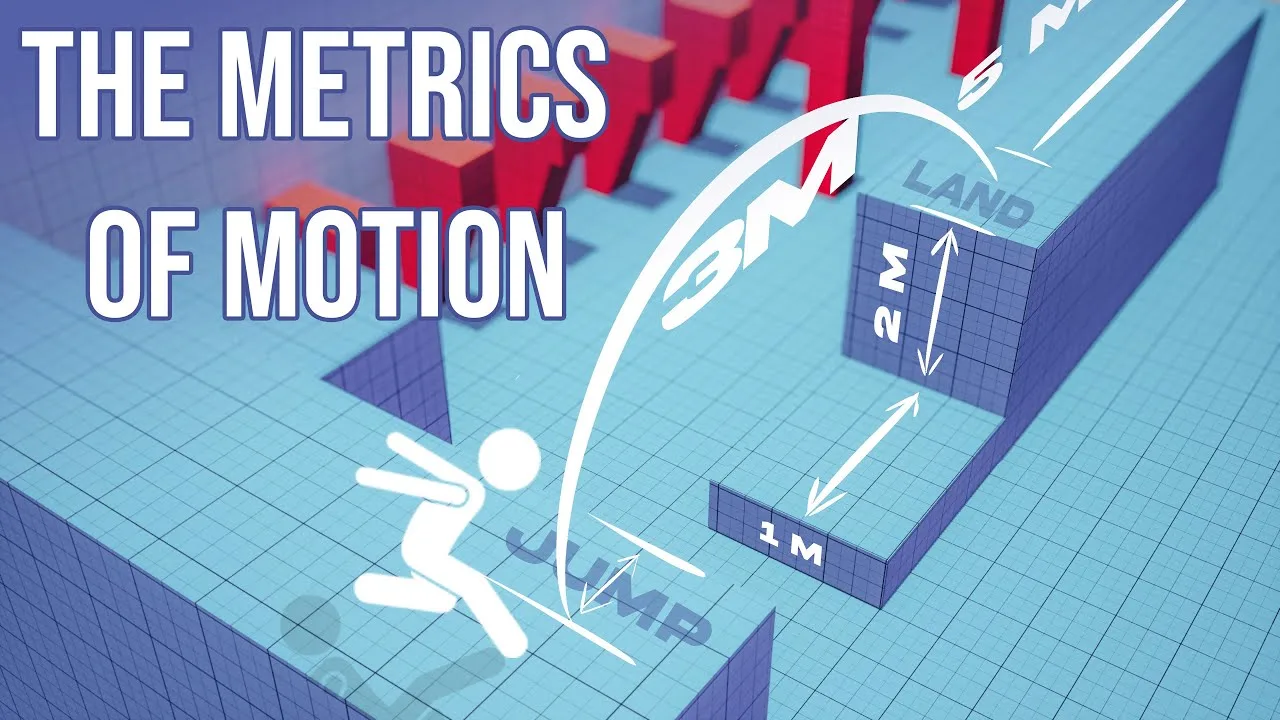 Game Animation Metrics: How They Shape Player Experience29 Nov 2024
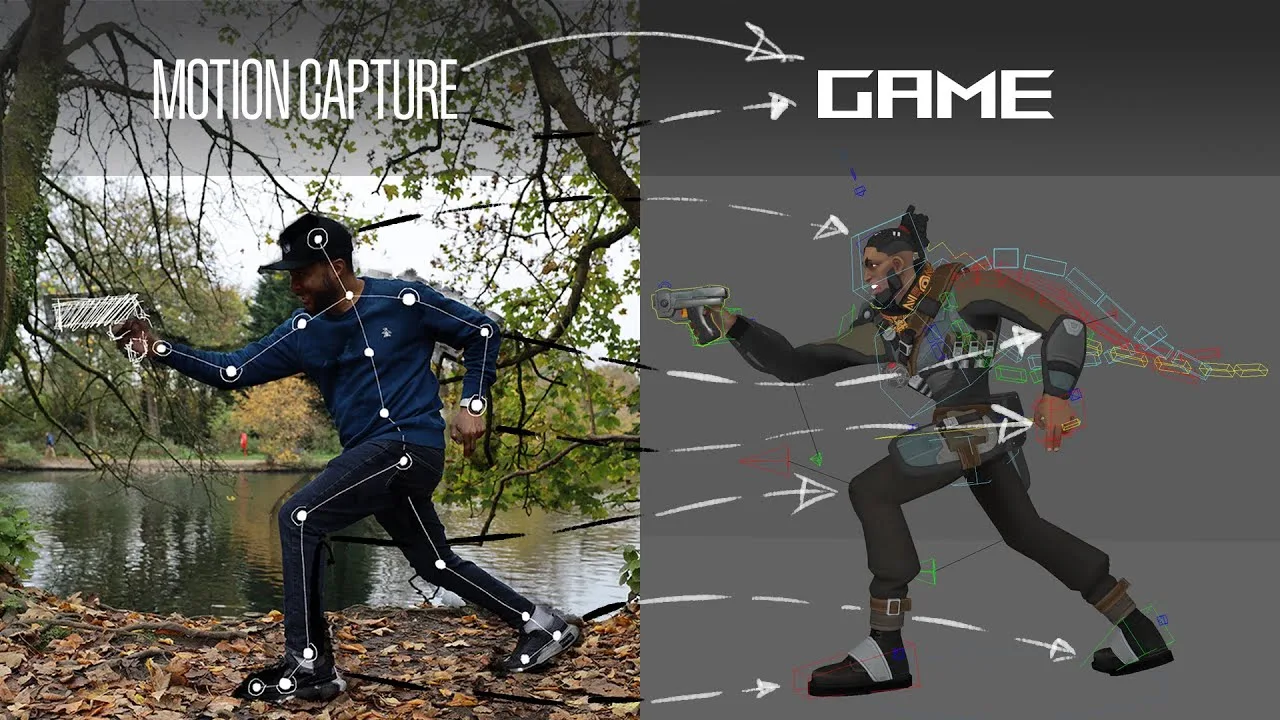 Mastering Motion Capture for Games: Advanced Techniques and Tools From AAA12 Nov 2024